

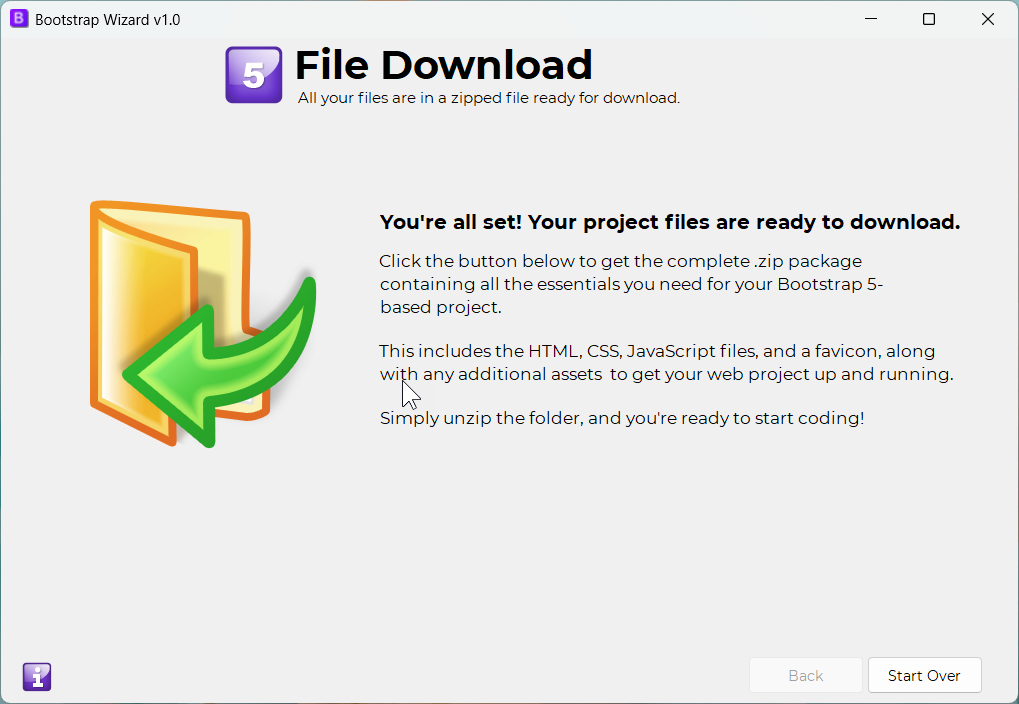
The File Downloads screen is the final step in the Bootstrap Wizard app. Here, all the necessary files for your project are assembled and generated, including HTML, CSS, images, and any additional assets needed for a complete website. Once your project is ready, the app will prompt you to save everything as a .ZIP file for easy download.
At the bottom right of the screen, you'll find a "START OVER" button, allowing you to repeat the file generation process if needed. For example, you might first create a homepage with hero, cards, and testimonial components for your index.html, then click "START OVER" to run the app again for inner pages using a two-column layout. This flexibility helps you customize your project effortlessly.
Back to Home