

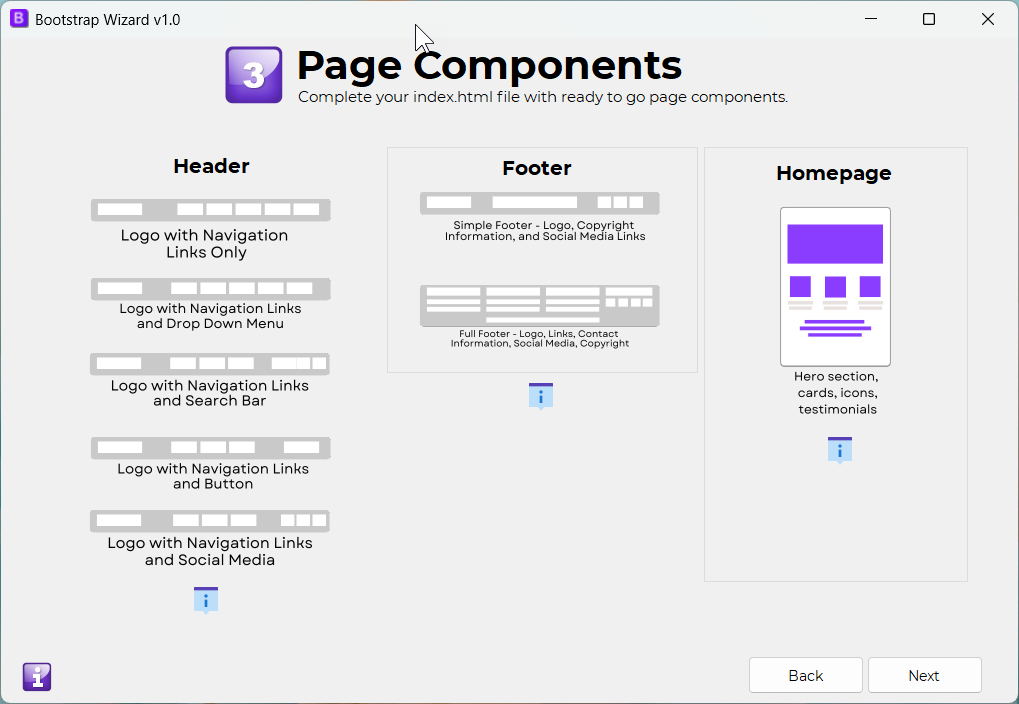
The Page Components screen allows you to add and customize various elements for your page template, including both the header and footer, as well as key homepage components. This gives you the flexibility to personalize your index.html and additional pages according to your needs.
Header/Navigation Page Component:
Choose from five header options for your page template:
Logo with navigation links only
Logo with navigation links and social media icons
Logo with navigation links and a dropdown menu
Logo with navigation links and a call-to-action button
Logo with navigation links and a search bar with a button
F
ooter Page Component:
Select from two footer options for your page template:
Simple Footer: Includes a logo, copyright information, social media links, and contact information
Full Footer: Includes a logo, navigation links, contact information, social media links, and copyright information
Homepage Components:
Choose from three components to enhance your homepage:Hero section
Cards
Testimonial quote
This screen provides all the tools you need to easily assemble and tailor the core components of your web pages.
Back to Home